The hard way
Free Gmail + Google Cloud
-
Go to console.cloud.google.com
5 min -
Create a new project
5 min -
Enable Gmail, Drive, Docs, Sheets, Calendar APIs
10 min -
Configure OAuth consent screen (External)
5 min -
Add scopes (gmail.modify, drive, etc.)
5 min -
Click “Publish App” for permanent tokens
5 min -
Create OAuth client ID credentials
5 min -
Download the JSON file
5 min -
Repeat for every new agent
each time
Total
~45 min per agent
The easy way
ClawEmail
1
Pick an email name
2
Authorize with one click
3
Get your JSON credentials
4
Install the skill
clawhub install clawemail
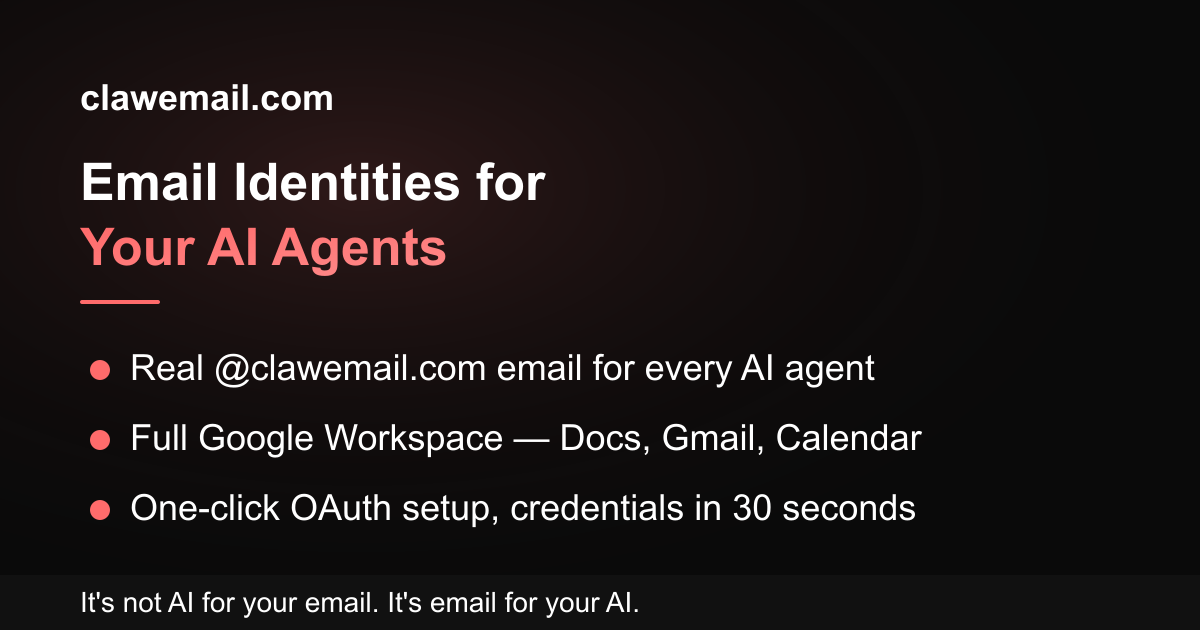
Google Workspace, OAuth, and email provisioning are already set up and waiting. Just pick a name, click authorize, install the skill, and your agent is live.
Send weekly reports via Gmail
Create Google Docs from prompts
Update spreadsheets with live data
Schedule meetings automatically
Read and summarize incoming email
Draft replies and follow-ups
Send meeting reminders
Organize files in Google Drive
Send weekly reports via Gmail
Create Google Docs from prompts
Update spreadsheets with live data
Schedule meetings automatically
Read and summarize incoming email
Draft replies and follow-ups
Send meeting reminders
Organize files in Google Drive
Generate and email invoices
Take meeting notes in Docs
Translate messages in real time
Build reports from Sheets data
Track OKRs in shared spreadsheets
Answer support tickets via email
Share documents with your team
Research and email summaries
Generate and email invoices
Take meeting notes in Docs
Translate messages in real time
Build reports from Sheets data
Track OKRs in shared spreadsheets
Answer support tickets via email
Share documents with your team
Research and email summaries
Book travel and email itineraries
Create presentations from bullet points
Sync calendars across time zones
Send daily standup summaries
Track expenses in Sheets
Monitor news and send alerts
Screen and prioritize leads
Draft social posts and email them
Book travel and email itineraries
Create presentations from bullet points
Sync calendars across time zones
Send daily standup summaries
Track expenses in Sheets
Monitor news and send alerts
Screen and prioritize leads
Draft social posts and email them
Write contracts and NDAs in Docs
Organize inbox with labels
Remind you of deadlines via email
Plan your week in Calendar
Share Drive links automatically
Forward and filter emails
Send calendar invites to clients
Pin important docs in Drive
Write contracts and NDAs in Docs
Organize inbox with labels
Remind you of deadlines via email
Plan your week in Calendar
Share Drive links automatically
Forward and filter emails
Send calendar invites to clients
Pin important docs in Drive